


Incognito mode is one of the biggest privacy misnomers. The name is designed to make you feel like you're protected online, that what you're browsing is anonymous and hidden away from the world.
But in reality, private browsing isn't private, and that needs to be addressed.
A big part of why Incognito Mode, Private Mode, and similar don't provide real privacy is browser fingerprinting. That's where websites look at the unique combination of your browser attributes and settings, and use it to create a profile. And guess what? Incognito mode doesn't stop this, even if it's selling you the idea of privacy.
Incognito mode isn't the privacy boost you're looking for
You really can't trust Incognito or Private Mode

We know that the variously named private browsing modes don't do what they say. It stops your browser from saving local data—your browsing history, cookies, form entries, and site data—on your device. Once you close the window, that information disappears.
They don't hide you from websites, advertisers, trackers, or your internet provider. Your IP address is still visible. Websites still see your browser, your device, your screen size, your operating system, and dozens of other technical details.
Browser fingerprinting is a way for websites to identify and track you without using cookies at all. Instead of storing data on your device, a site looks at the unique combination of signals your browser gives off automatically. On their own, most of these details seem harmless. Together, they form a surprisingly accurate and unique profile, hence the name fingerprint.
Fingerprinting signals include:
- Browser and version
- Operating system
- Screen resolution
- Installed fonts
- Time zone and language
- Graphics card and rendering behavior
- Browser features, extensions, and APIs
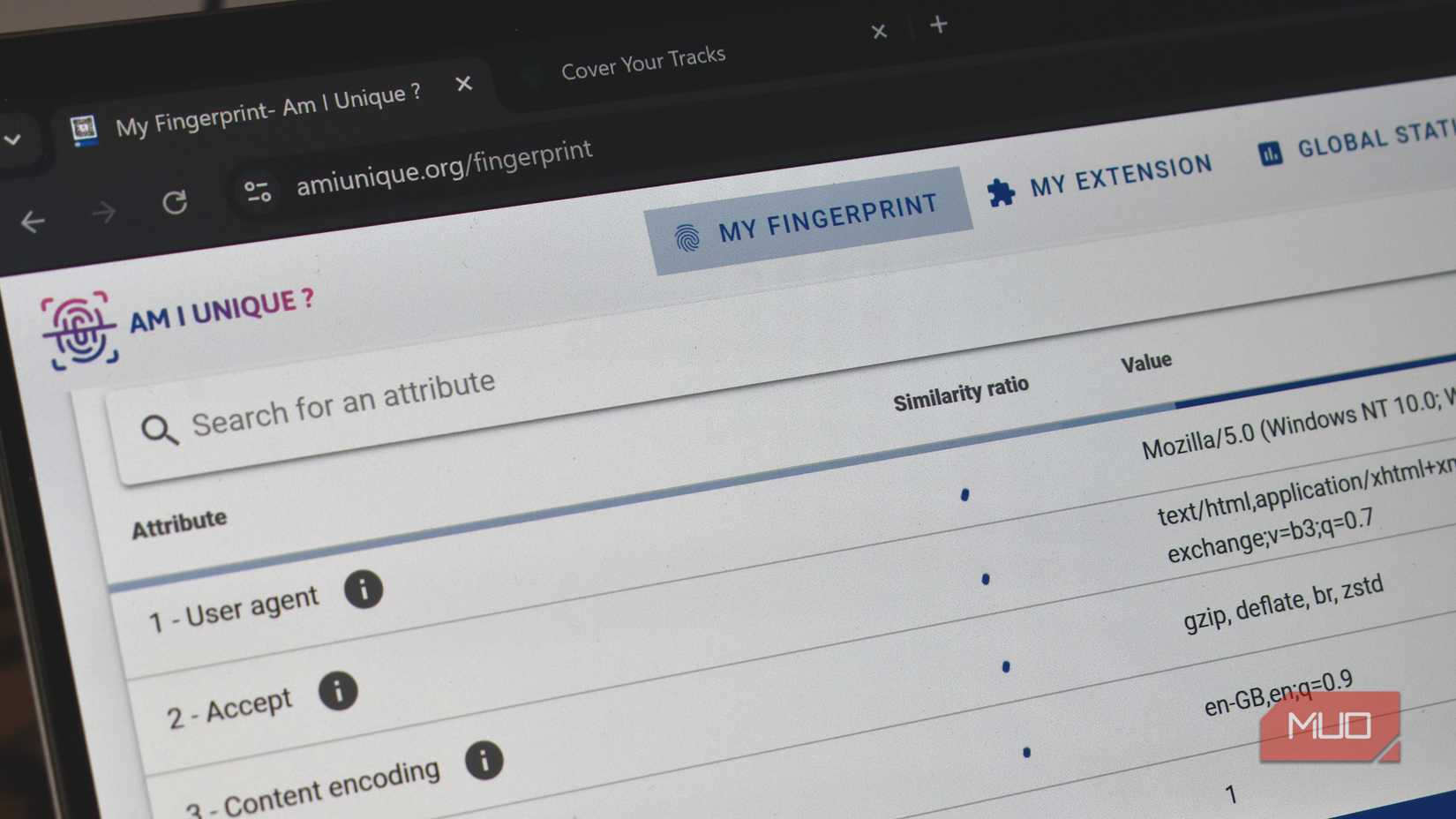
You can see how the combination of these unique signals can be used to create a profile—a profile in Incognito Mode. Want to see your unique browser fingerprint? Head on over to Cover Your Tracks and let the test run. This is the Electronic Frontier Foundation's tool, and it'll show you just how unique your browser really is.
The images above show my regular browser and Incognito Mode—can you guess which way around it is?
Why going Incognito can't protect against fingerprinting
You really can't trust Incognito or Private Mode
The big problem is that while Incognito mode make some adjustments to how certain extensions and similar work, fingerprinting doesn't differentiate between regular browsing and private. It's all the same, collecting the same signals, building the same profile.
Your fingerprint in Incognito or Private Mode is usually identical to your fingerprint in a normal tab. Same browser. Same device. Same configuration. The only difference is that cookies don’t persist after you close the window, and some browser extensions need special permission to run.
But overall, and especially from a fingerprinting perspective, it barely matters. The trackers can recognize your browser when it appears, and don't need cookies to follow you across sessions. It's a similar reason as to why clearing your cookies doesn't protect your privacy, and doesn't provide as much privacy as you'd think; there are numerous other tracking features at play.
The difficulty is that fingerprinting is hard to avoid because it uses normal web functionality against us. Websites need information on your browser to provide functionality, such as the correct video formats, graphics, fonts, resolution, and so on.
So, what actually helps to protect your privacy?
Because it sure isn't Incognito Mode
I still use the various private browsing modes from time to time. It's handy, but it's not protecting your privacy. To build privacy, you need to take a few extra steps.
One option is using browsers that actively reduce fingerprint uniqueness. For example, Firefox includes built-in protections that limit cross-site tracking and reduce some fingerprinting surfaces without breaking most websites. There are other privacy browsers that offer similar protections.
Another option is to use a browser specifically designed to make everyone look the same. Tor Browser's settings standardize browser behaviour, so individual users blend into a much larger crowd. That approach is powerful, but it comes with trade-offs in speed and compatibility that aren’t for everyone.
These browsers respect your privacy more than Chrome ever will - calloutlink
The other fingerprinting tip to remember is that browser customization increases your uniqueness. Fancy fonts, custom features, browser extensions, and so on, all add up to a unique fingerprint.
Paradoxically, you can use certain browser extensions to increase your privacy, while some extensions, such as Fingerprint Spoofer, create a fake fingerprint that helps you blend in.
Layers are what you need
Privacy is just like an onion
Fingerprinting will change how you think about online privacy; it's not just a single button or switch you flick to sort it out. You have to reduce the amount of data and signal you're sending, otherwise, it's a simple process for trackers to figure out just how unique you are.
And once you figure that out, you'll never trust Incognito Mode or Private Mode again.